 Event Scheduling — Schedule and promote your local events on the global calendar.
 Venue Finder — Pinpoint your store’s location, hours, and details for local players.
 Local Leaderboards — Host and track localized standings for your player base.
 Organized Play (OP) — Participate in exclusive, retail-only Organized Play Program offerings (applicable to brick-and-mortar stores only).
 Cross-Game Integration — Seamlessly link to all supported Playstile games.
 Staff Management — Assign and coordinate tournament organizers and staff permissions.
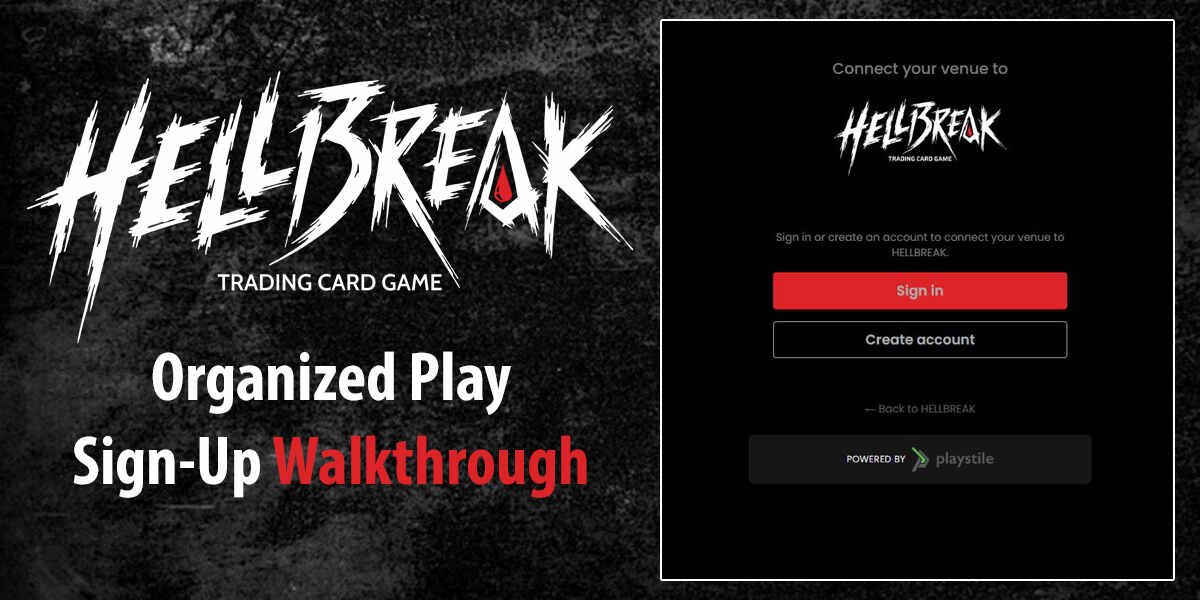
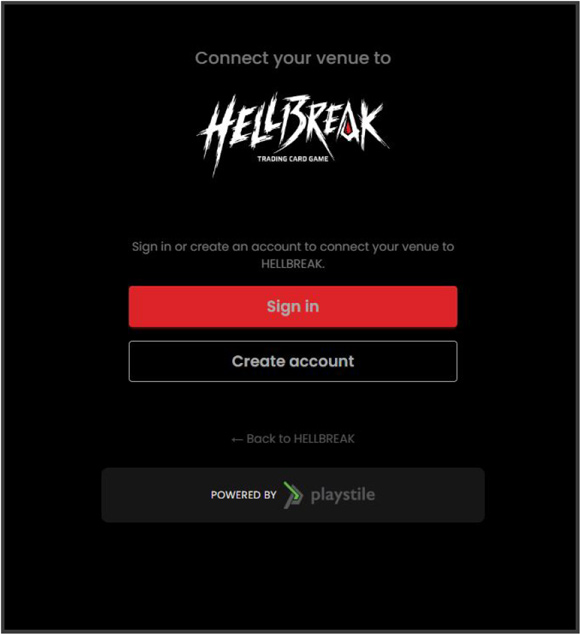
 Access the Portal — Navigate to the Hellbreak Venue Connection Page.
- Existing Users — If you already have a player Playstile account, click the Sign In button, follow the prompts, and proceed to Step 4.
- New Users — If you do not have an account, click Create Account. Complete the required registration fields, submit, and proceed to Step 4.
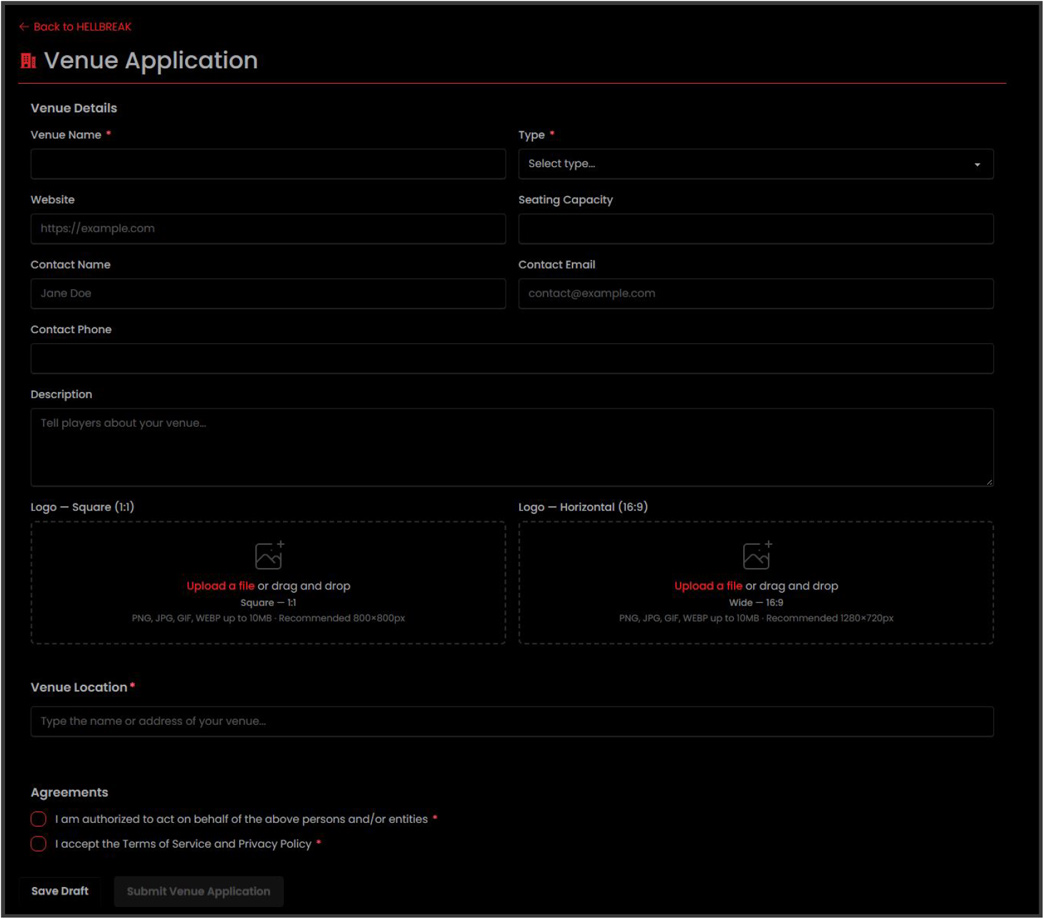
- Complete the Venue Profile — Fill out the registration form thoroughly:
- Venue Type: Select the classification (Store, Club, or Organizer) that fits your establishment.
- Description: Write a compelling introduction to display on your public venue page.
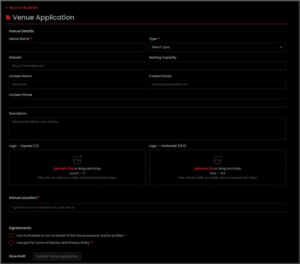 Logos & Banners: Upload age-appropriate images to differentiate your store on the Venue Finder.
- Location Address: Provide your precise address to enable mapping. Note that only one venue can be registered per physical address.
- Terms & Policies: Review and accept the authorization clause and the Terms of Service/Privacy Policy.
- Submit — Click the Submit button.
- Review Process — A Playstile staff member will review your application. If needed, they will contact you via email to request further details or updates before final approval.
- Approval — Once approved, congratulations! You are officially authorized as a Hellbreak venue partner.
- Manage Your Space — Log in, click on your profile image in the upper right-hand corner, and select Venue Dashboard to manage your events, edit your profile, and add staff. If you have questions, contact Playstile Support.
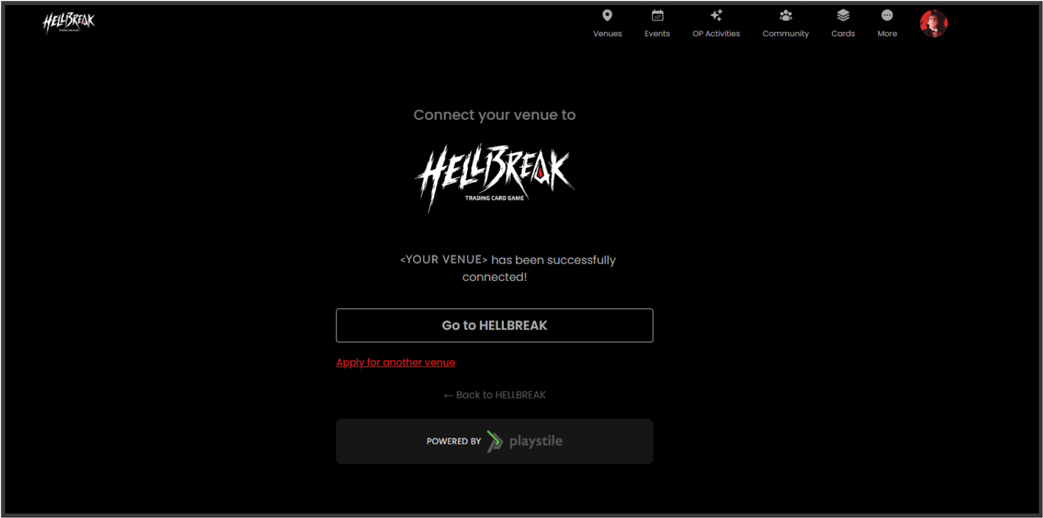 Venues with Multiple Physical Locations — Visit the Quick Connect registration link, sign in, and select “Apply for another venue.” This allows you to register and manage additional locations under your primary account using Step 4 above for each storefront.
Previously Registered Venues (Not Yet Linked to Hellbreak) — If you are an approved Playstile venue but have not yet linked your account to the Hellbreak network, simply click the quick-connect link above to bridge your existing profile.